
The Practical Reason To Run Local
There is a class of business work you may not want to send through someone else’s API: client records, internal notes, draft contracts, financial files, and messy operational documents.
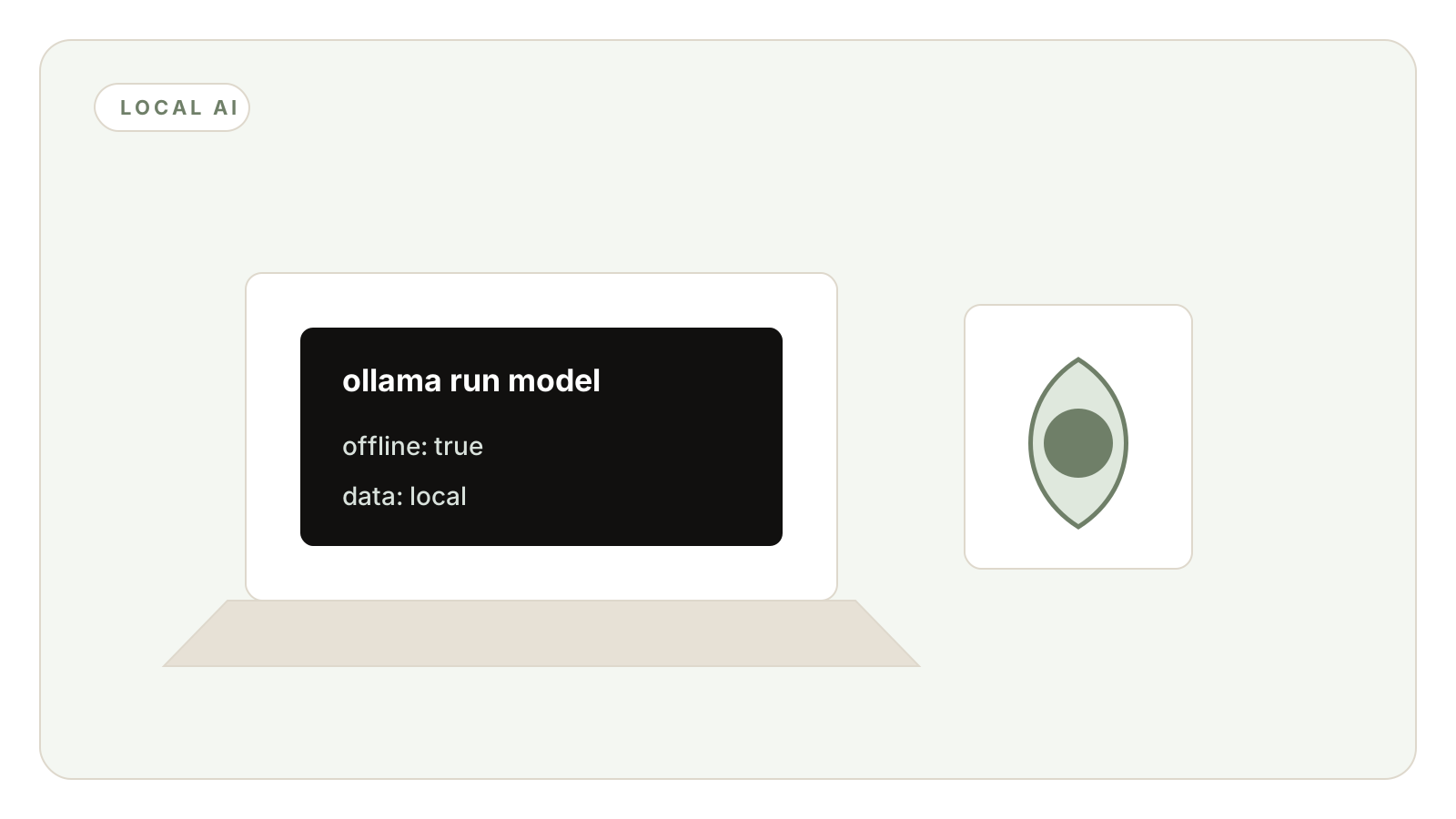
Ollama made local model use simple enough for normal teams to experiment with. Once a model is downloaded, the work can run on hardware you control.
What It Is Good For
Local models are strong for summarizing, classifying, rewriting, extracting, tagging, and handling repetitive text tasks. These are the jobs that create volume and quietly run up usage if every call goes to a frontier API.
They are also useful for sensitive first passes. You can clean, classify, or summarize private material locally before deciding whether any part of it needs a stronger external model.
What It Is Not Good For
Do not expect a local setup to beat the strongest hosted models at every reasoning task. Hardware matters, model choice matters, and some jobs still deserve a frontier model.
The mistake is treating local AI as a purity test. The useful pattern is routing: local for private or repetitive work, stronger models for the hard edge cases.
How To Start
Pick one workflow with private or repetitive text. Examples: categorize inbound emails, summarize meeting notes, clean lead data, or extract key fields from internal docs.
Measure quality and time saved. If the output needs heavy correction, narrow the job before changing the model.
Frequently Asked Questions
After the model is downloaded, local inference can run without sending the prompt to a cloud API.
No. Use local models for privacy and volume, and route harder reasoning tasks to stronger models when needed.
Start with the machine you already have. Upgrade only after you know which workflows justify always-on local capacity.