
The Operator Use Case
Gemini CLI is not interesting because it is another chat box. It is interesting because it puts a capable model directly where a lot of operational work already happens: files, repositories, scripts, logs, and long documents.
For a small team, that matters. Copying context in and out of browser tabs is slow. The useful pattern is to keep the work close to the files, ask the model to inspect the real material, and turn the output into a concrete next action.
Where It Fits
Use Gemini CLI for the harder layer of work: reviewing a messy folder, reading a long brief, comparing several files, drafting a migration plan, or finding the part of a codebase that explains a problem.
Do not use a frontier tool for every tiny job. The cheap, boring work still belongs on local models or smaller models. The operator setup is a routing system: simple tasks go to cheap tools, sensitive tasks stay local, and difficult tasks get the strongest model you can justify.
A Practical Workflow
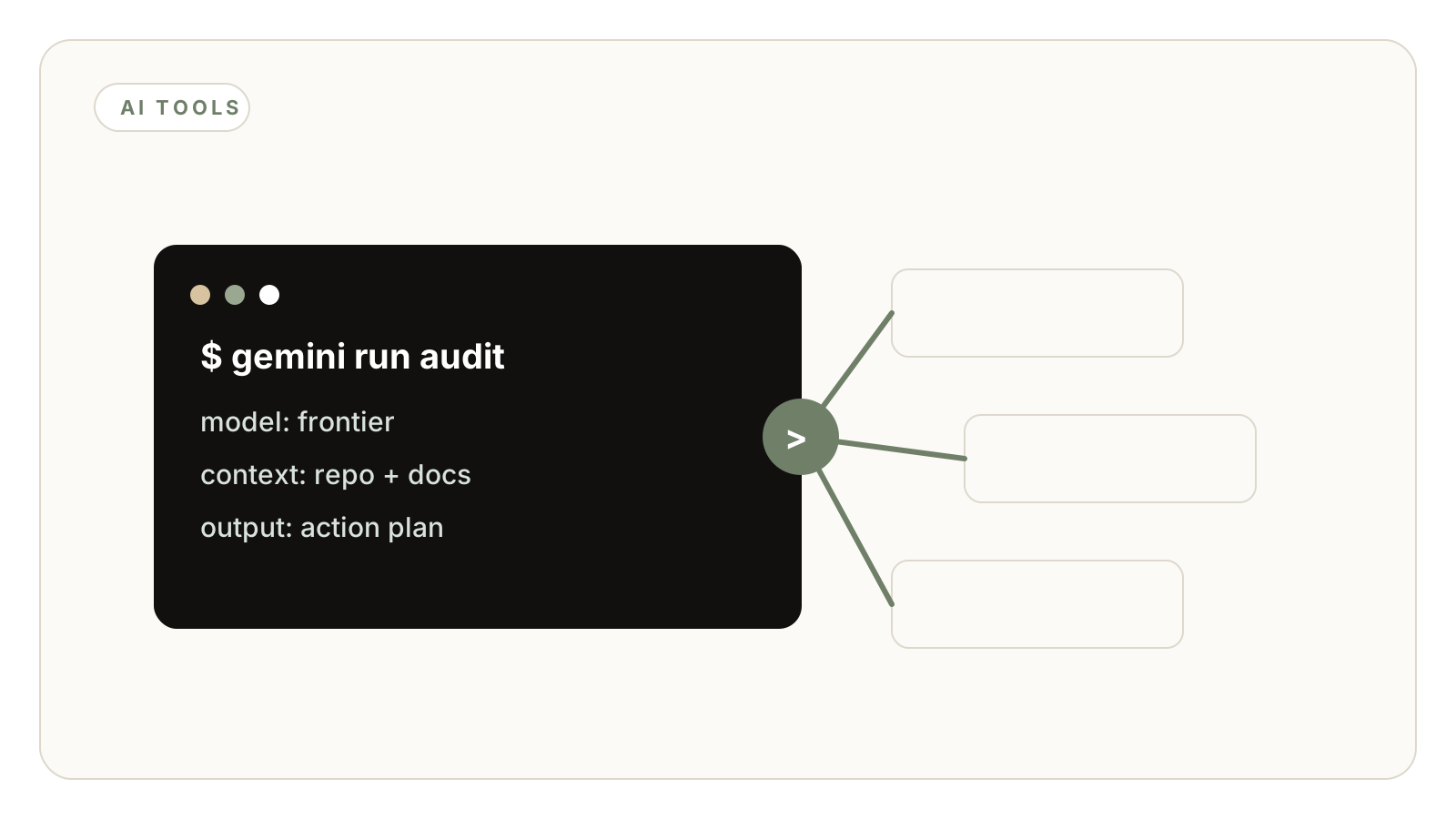
Start with one folder and one job. Ask the CLI to summarize the structure, identify gaps, and propose a specific task list. Then inspect the recommendations yourself before any change is made.
For code work, the same rule applies: use it to read, explain, and propose before you let it edit. A terminal agent without a review step is just a faster way to make a mess.
The Launch-Date Rule
This post is dated after Google publicly announced Gemini CLI in 2025. That matters because a blog should not make software sound available before it actually exists.
When we publish software-specific articles, we keep the publish date after the public launch or release being referenced. If the timeline cannot be verified, the claim does not go live.
What To Avoid
Avoid turning the terminal into a dumping ground for vague prompts. The quality comes from clear files, narrow questions, and a review loop.
Also avoid building a stack around free access alone. Free access can change. The durable asset is not the free tier; it is the workflow discipline that lets you swap models without rebuilding the business process.
Frequently Asked Questions
Yes, if they are comfortable working with files and terminal commands. If not, the same pattern can be wrapped in a simpler interface.
No. Local tools are still useful for private and high-volume work. Gemini CLI is better treated as the stronger reasoning layer.
Because release-specific posts should not imply a product existed before it was public. We keep software article dates after verified launch or announcement dates.